
Schedule Chores Based on When You Last Did Them
Let your cleaning schedule follow when you actually clean. Plan chores with Ginger, keep the gap between completions, and see what needs doing next.
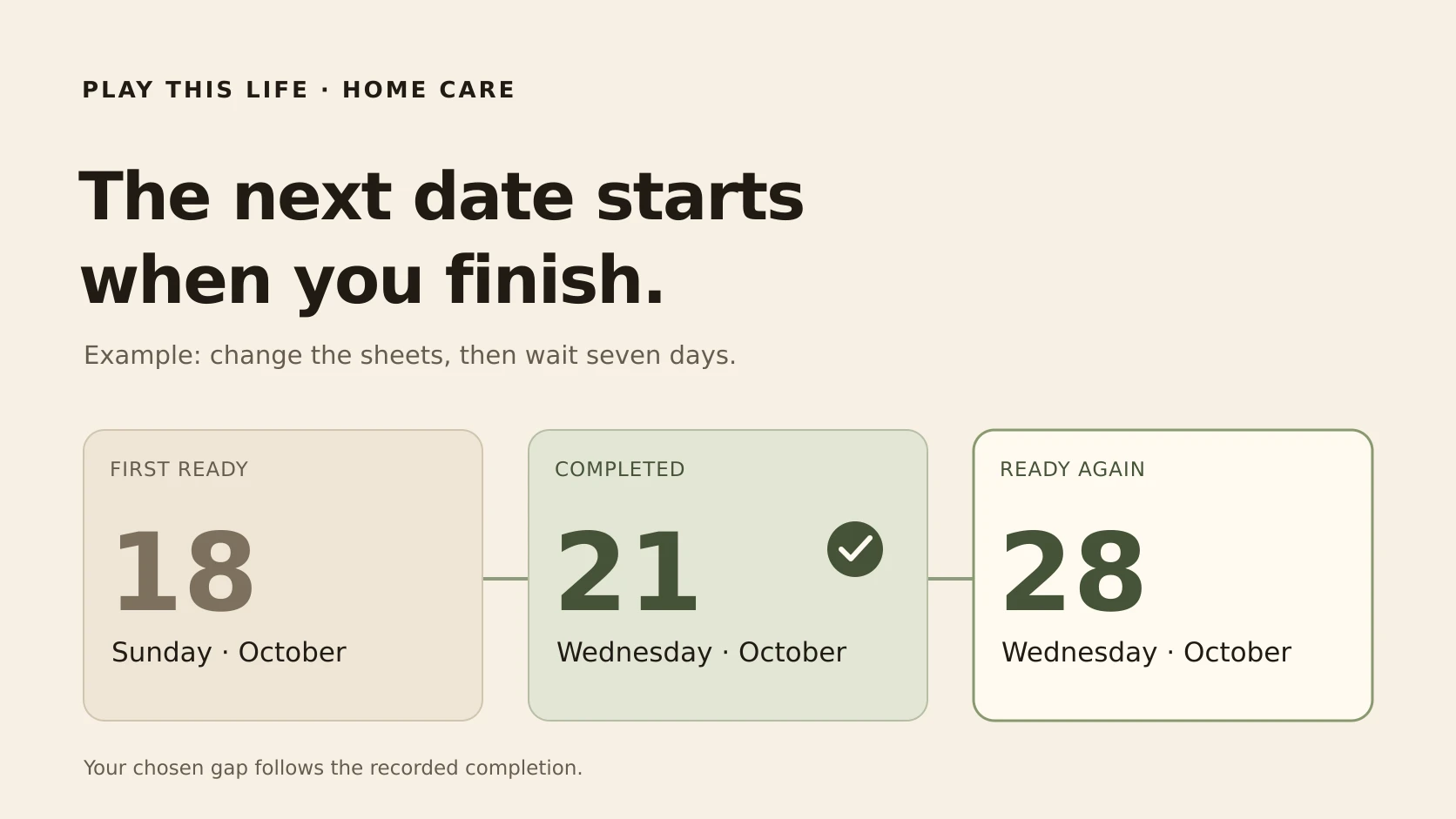
You planned to change the sheets on Sunday. You got to them on Wednesday. The bed is clean, and you want a full week before doing it again.
Play This Life lets you schedule the next chore from when you actually complete it. Tell Ginger, Play This Life’s AI assistant, the chore and the gap you want. Mark it done when you finish, and the next interval follows that recorded completion.
For a seven-day repeat, a Wednesday completion means the next turn is the following Wednesday. Your cleaning schedule can move with the work.
Keep the full gap after a late cleaning day
Some household tasks are about how long it has been since you did them. If you clean the shower later than planned, you may want the next clean to follow that new date.
A completion-based repeat does that calculation for you. You choose an interval in days; Play This Life uses the recorded completion to work out when the chore is ready again.
| First ready | Actually completed | Ready again |
|---|---|---|
| Sunday, October 18 | Wednesday, October 21 | Wednesday, October 28 |
You record the Wednesday completion once. The chore then waits for its next interval. There is no replacement task to create or new date to calculate each time you finish late.
Tell Ginger how you want the chore to repeat
You can describe the rule in ordinary language. For example:
Add “Change the sheets” as a chore, available today. Repeat it seven days after I complete it. One completion each time, with no hard deadline.
Ginger can save the chore and its repeat rule. Open the saved details to review the interval, and ask Ginger to change it if you want a different gap. You can edit the details directly too.
Start with the chore whose dates you keep fixing. Once its rule fits, add other household jobs with the intervals you choose.
Mark it done and see when it comes back
Open Views → Chores. The To do view brings together chores that are ready for attention. Find your chore and mark it complete when you finish the work.
Play This Life records that completion and calculates the next eligible time. Expand Upcoming to see the chore waiting for its next turn. The row shows its Last done date and when it is next ready.
The same chore can appear in Done today and Upcoming: you completed this turn, and the next one is scheduled. You can check what happened and what comes next from the Chores view.
If you mark it done by mistake, use the completion’s Undo action.
Choose fixed days for chores tied to the calendar
A flexible cleaning schedule can include chores that belong on a particular day. Put the bins out every Tuesday if that fits your collection day. Use a completion-based repeat for work where you want a gap after finishing.
| What you want | Repeat to use |
|---|---|
| Put the bins out every Tuesday | A fixed weekly calendar rule |
| Change the sheets seven days after doing them | A completion-based repeat |
| Clean the shower ten days after finishing | A completion-based repeat |
These intervals are examples. Choose the gaps that suit your home. Ginger can help save both kinds of chore in the same place.
Keep home care with the rest of your plans
Your cleaning takes time from the same week as work, workouts, and personal projects. Play This Life keeps those commitments together, with Ginger there to help organize and change them.
You can group chores under lists such as Kitchen or Bathroom and filter the Chores view by space. Or leave a chore without a room list. Use All chores when you want to review the wider collection.
The useful loop stays small: save the chore, do the work, mark it complete, and return when it is ready again. Read more about keeping everyday plans in one place.
Questions about chores that repeat after completion
What if I clean it later than planned?
The next interval starts from the recorded completion. With a seven-day repeat, completing it on Wednesday makes it next ready the following Wednesday.
Do I have to reschedule the chore every time?
Once the completion-based rule is saved, marking the chore complete supplies the date for its next interval. You can keep using the same saved chore.
Where can I see the next cleaning date?
Expand Upcoming in the Chores view. A completion-based chore waiting for its next turn shows the next eligible date there.
Can I set this up without chatting?
Yes. Open the chore’s details and its Repeats editor. Choose Relative, enter the Interval in days, and for a simple chore use Completing an attempt with the Mark complete requirement. Review the start date and timezone, then choose Save repeat.
Give one chore a schedule that follows you
Choose a chore whose next date should depend on when you do it. Tell Ginger the name and the gap you want, then review the saved rule. The next time you finish, mark it done and let the next interval follow.